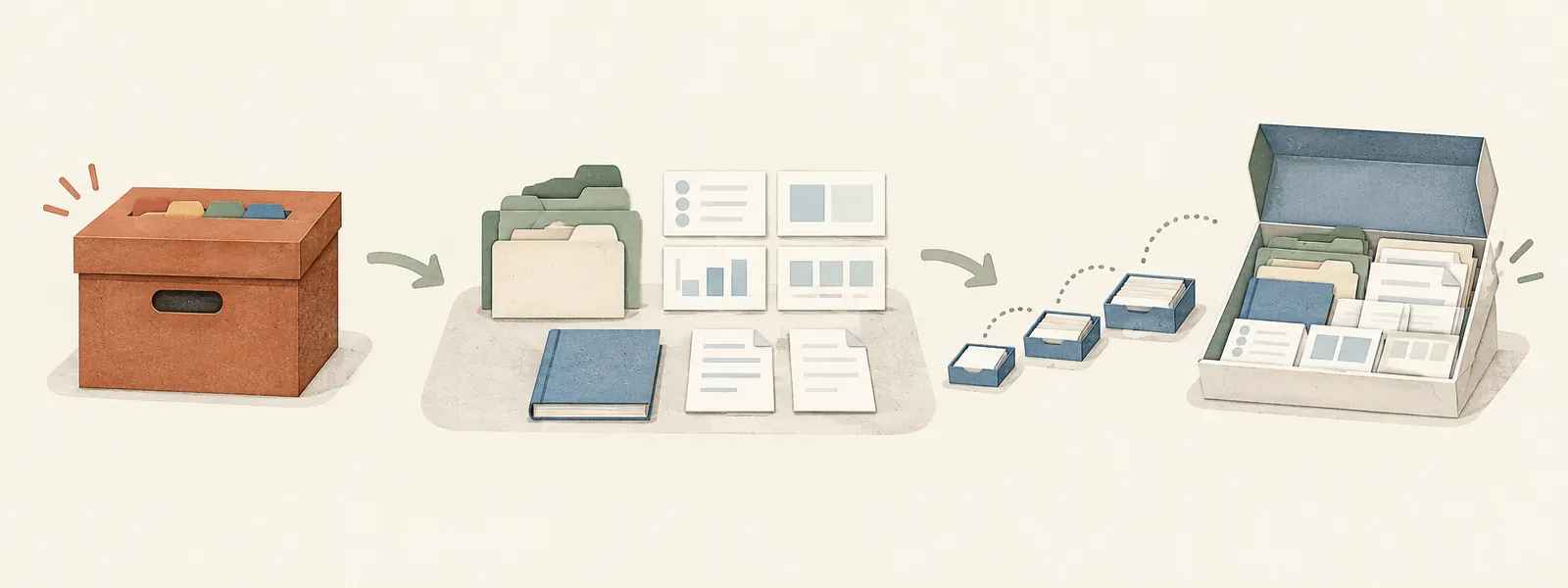
The case-study post described the shape of the system: an archive, a set of dashboards, a review loop that kept both honest. That was enough to explain how it worked. It was not enough for anyone to actually use it. A write-up you can read is not the same thing as a repository you can clone, and I wanted to find out how much distance sits between those two.
More than I expected. Most of it wasn’t writing new logic — the mandates and templates already existed. It was deciding, line by line, what belonged in a public starter kit and what belonged only to my own archive.
- Format versus content
- Seeding structure without seeding facts
- Why it has to fill in gradually
- Picking a distribution model
- Shipping skills as source, not packages
- A tooling boundary I didn’t expect
- What’s actually in the repo
- Getting started
- End state
1. Format versus content
Some of the most useful notes in my own archive are useful because of their format, not their content. A lab-trend note that flags a value as optimal, borderline, or out of range using a consistent set of markers is a good design regardless of whose bloodwork is in it. The specific values are mine. The convention is not.
The first pass at the starter kit blurred that line. I copied over a few reference notes with plausible-looking example content — a glossary entry on a health topic, a renewal-rule note with invented dates — on the theory that a filled-in example teaches faster than a blank one. It doesn’t, not here. That content was specific to a household that doesn’t exist, would need to be un-learned before anyone typed a real fact into the same note, and taught nothing about the mechanism itself.
The fix was to ship the four reference templates as format only: the table structure, the flag convention, the callout style, a sourcing rule that says which claims need a citation and which don’t. No invented lab values, no invented statutes, no invented medications. The actual content of any reference note is supposed to come from whatever the person using the kit files and asks about — that’s the whole point of having an assistant build it up over time instead of a person filling out a form once. A pre-written example doesn’t demonstrate that process; it just hides it behind a plausible-looking fake.
2. Seeding structure without seeding facts
A completely empty repository is its own kind of unhelpful. The first real decision anyone has to make with a document archive is what the top-level categories even are, and staring at an empty folder while trying to answer that from scratch is a bad first five minutes.
So the archive template ships with its category folders already created — Health, Identity, Legal, Finance, Home, and the rest — each holding a one-paragraph note that states the placement rule for that category and links back to the rulebook. Someone can read twelve short notes in ten minutes and understand the whole taxonomy before they’ve filed a single document. Renaming or deleting a category later is one line in that rulebook, not a redesign.
That’s a different kind of seeding than the reference-template question above. A folder name and a placement rule are structure. A lab value or a legal deadline is a fact about a specific person. The kit seeds the first and refuses to guess at the second.
3. Why it has to fill in gradually
The obvious way to bootstrap a new install is to point an agent at an existing pile of documents and say “sort all of it.” I tried writing the setup instructions that way and then talked myself out of it.
Two separate problems. The practical one is that reading, classifying, and filing a few hundred documents in one sitting spends a large share of a session’s budget on a single run, with no natural place to stop and check the work. The less obvious one is that a long unattended pass is exactly where a filing mistake or a bad extraction is most likely to slip past without anyone noticing, because there’s no natural checkpoint where a person actually looks at what happened.
The setup guide asks for the opposite: drop a few dozen files into an inbox folder, ask the assistant to sort that batch, look at what it did, then drop the next batch whenever you’re ready. There’s no deadline to have the whole archive filed. The system is built to accumulate correctly over weeks of ordinary use, not to be loaded in one afternoon and then hoped it’s mostly right.
4. Picking a distribution model
The first version of the kit lived in a shared Google Drive folder — a zip file and a set of docs I could hand to the two people who’d actually asked for it. That was fine for two people. It meant every future update was a re-share, and it meant anyone else who wanted to try it needed to know me first.
Moving it to a public git repository under an MIT license changes the actual audience from “people I send a link to” to “anyone who finds it.” That’s a bigger decision than it sounds like, because a public repo gets read by people with no context on why a rule exists, which means every instruction in it has to justify itself on the page rather than relying on a shared conversation to fill in the gaps. Rewriting the setup guide for that audience caught a handful of places where a rule was stated but the reasoning behind it wasn’t, which is worth doing even for something that never leaves a Drive folder.
5. Shipping skills as source, not packages
The two skills that do the actual filing and auditing work were originally distributed as built packages — a zip with a manifest and a script inside, ready to install. That’s a reasonable way to hand something to two people. It’s a bad thing to check into a public repository, for the same reason any built artifact is a bad thing to commit: it goes stale the moment the source changes, and nothing forces the two to stay in sync.
The repo now carries the plain source for each skill — the instructions and the one bundled script one of them needs — and a setup script builds the installable packages locally when someone runs it. That’s a small change, but it’s the same discipline any codebase applies to compiled output, applied to something that’s usually hand-packaged and forgotten about.
6. A tooling boundary I didn’t expect
Not every constraint in a project like this comes from the design. Partway through moving the kit into its own repository, I ran into an environment limit that had nothing to do with the content: the sandbox I was working in couldn’t reach the repository’s filesystem path at all for running shell commands, even though it could read and write individual files there directly.
The practical effect was that every file in the new repository got created through direct file writes rather than a shell script, and the actual git add / commit / push had to stay a manual step handed back to me rather than something run automatically at the end. That’s a minor inconvenience for a one-time setup, but it’s worth naming for the same reason the unattended-run problem was worth naming: a system’s real constraints aren’t only the ones you designed on purpose. Some of them are just where the tooling stops, and the honest thing to do is say so rather than pretend the automation went further than it did.
7. What’s actually in the repo
The finished layout:
File_Archive_Template/
  Organization_Philosophy.md   the rulebook: naming, dating, placement
  Health/, Identity/, ...      category skeleton, one note per folder
  Unsorted/, Trash/            inbox and pending-deletion folders

Living_Reference_Template/
  00_README...md                architecture and conventions
  _Reviewers/                    full mandate per scheduled review
  _Skills/                       full mandate per on-request skill
  _Templates/                    blank dashboard and reference notes

skills/
  file-renamer/, file-archive-audit/   skill source, not built packages

setup.sh, setup.ps1             asks two questions, builds the rest
SETUP_GUIDE.md, BOOTSTRAP_PROMPT.md
Running the setup script asks where the two template folders should live, copies them there without touching anything already in place, and builds the two installable skill packages from source. Everything past that point is the setup guide: adapt the rulebook, open the vault, hand the assistant the bootstrap prompt, and start dropping in real documents a few at a time.
8. Getting started
You need a cloud-synced folder your assistant can read (the kit assumes Google Drive), Obsidian for the vault, Claude API access for the scheduled reviews, and git. Then:
git clone https://github.com/espaillato/DriveOrganizerStarterKit.git
cd DriveOrganizerStarterKit
./setup.sh        # ./setup.ps1 on Windows
The script asks two questions (where the File Archive folder should live, and where the Living Reference vault goes), then copies the templates into those locations without touching anything already there and builds the two .skill packages from source. SETUP_GUIDE.md documents the same steps by hand if you’d rather not run the script.
From there: adapt Organization_Philosophy.md to your own categories, open the vault in Obsidian, install the two skills, and hand the assistant the prompt in BOOTSTRAP_PROMPT.md. Then start dropping documents into Unsorted/ a batch at a time. There is no target for filing the whole archive at once. As section 3 covers, it is meant to accumulate over weeks of ordinary use, with the scheduled reviews keeping it current from there.
End state
- The four reference templates ship as format scaffolds — table structure and flag conventions, no invented content standing in for real facts.
- The archive template ships with its category skeleton pre-built, so the first real decision is adapting a rulebook, not inventing a taxonomy from nothing.
- Setup instructions ask for a small batch of documents at a time, on purpose, rather than a single bulk import.
- Distribution moved from a shared folder handed to specific people to a public, MIT-licensed repository anyone can clone.
- The two skills are checked in as source; a setup script builds the installable packages instead of the repo carrying stale binaries.
- Some constraints came from the tooling, not the design, and the setup guide says so rather than hiding the gap.
None of this changes what the system does. It changes who can pick it up without having talked to me first, which was the actual point of writing the case study in the first place.